





 DOWNLOAD




How To
1 MIN READ
Steps to investing in peso government securities by opening a Metrobank Online account
Open a Metrobank Online account today to access exclusive wealth tools that enables you to take charge of growing your investments.
June 23, 2025 By Metrobank
By Metrobank



Wealth Manager clients get to enjoy exclusive access to Wealth Insights content.
Follow these steps to get started:
1. Open a Metrobank Online account by typing https://onlinebanking.metrobank.com.ph on your browser.
2. Click “Sign up” and follow the instructions

3. Once you have a Metrobank Online account, sign in and go to the “Wealth Manager” section and click “Enroll Now.”

4. Enter your Investment ID and review the terms. 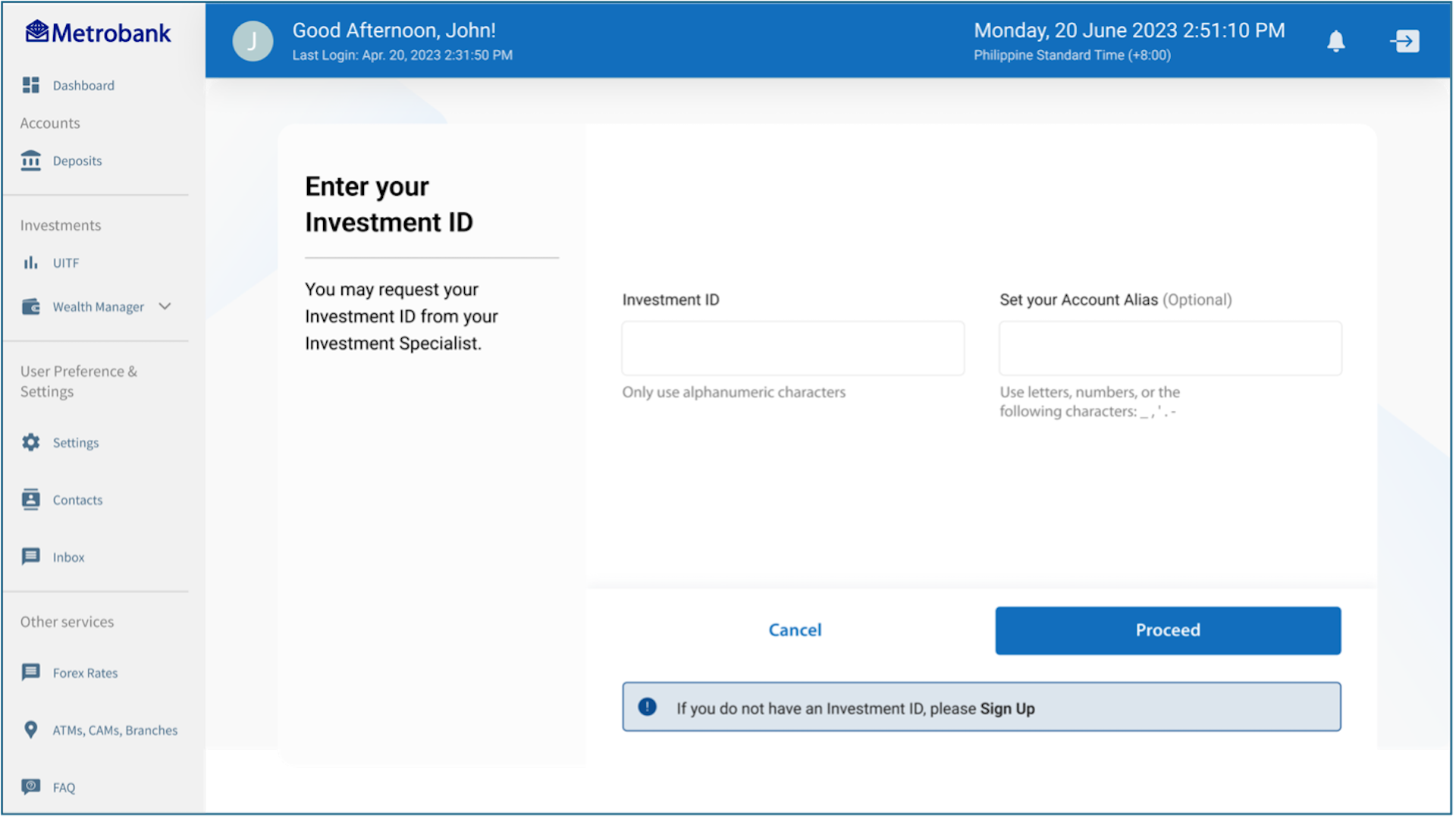
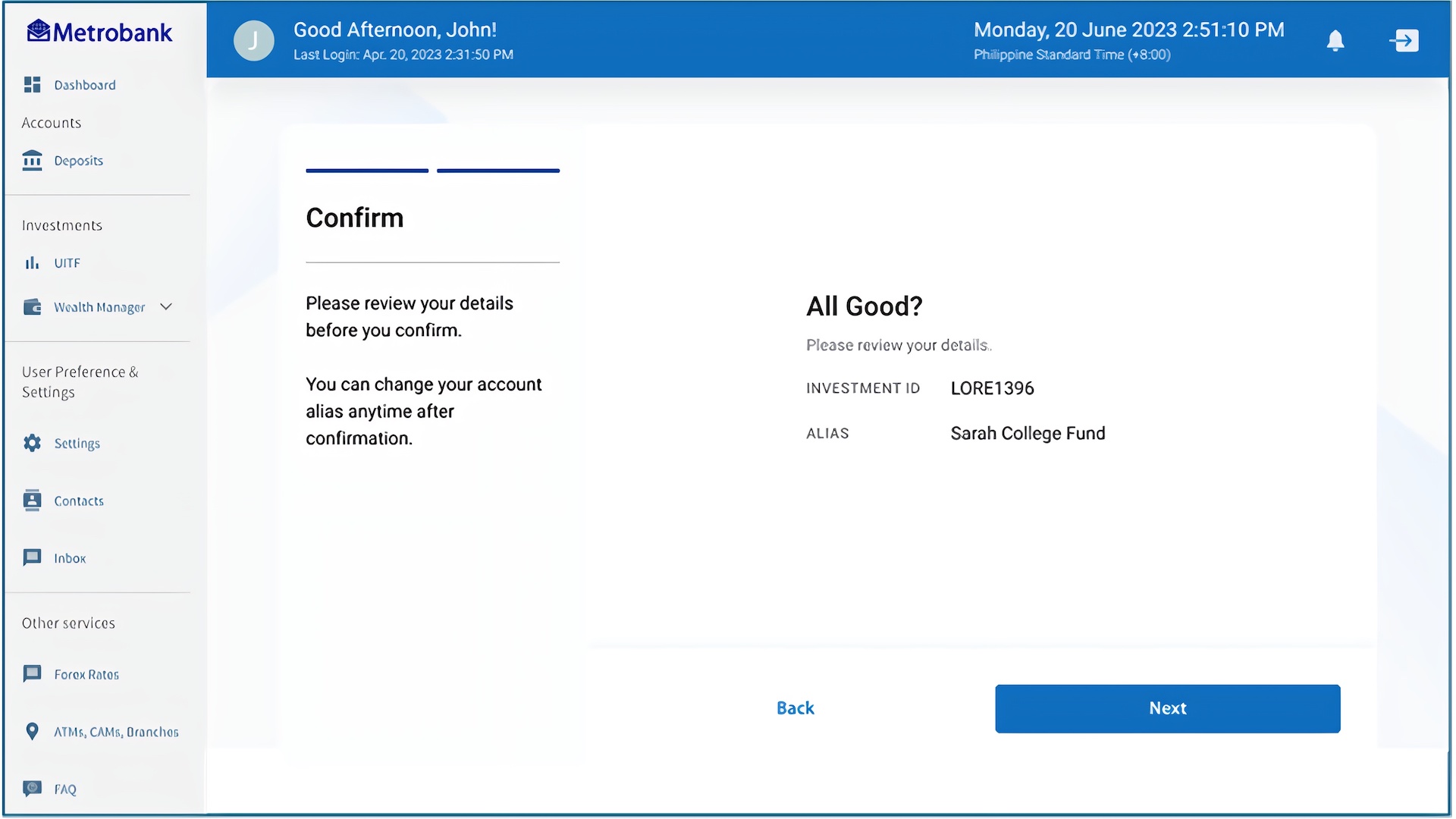
5. Review details and click “Next”
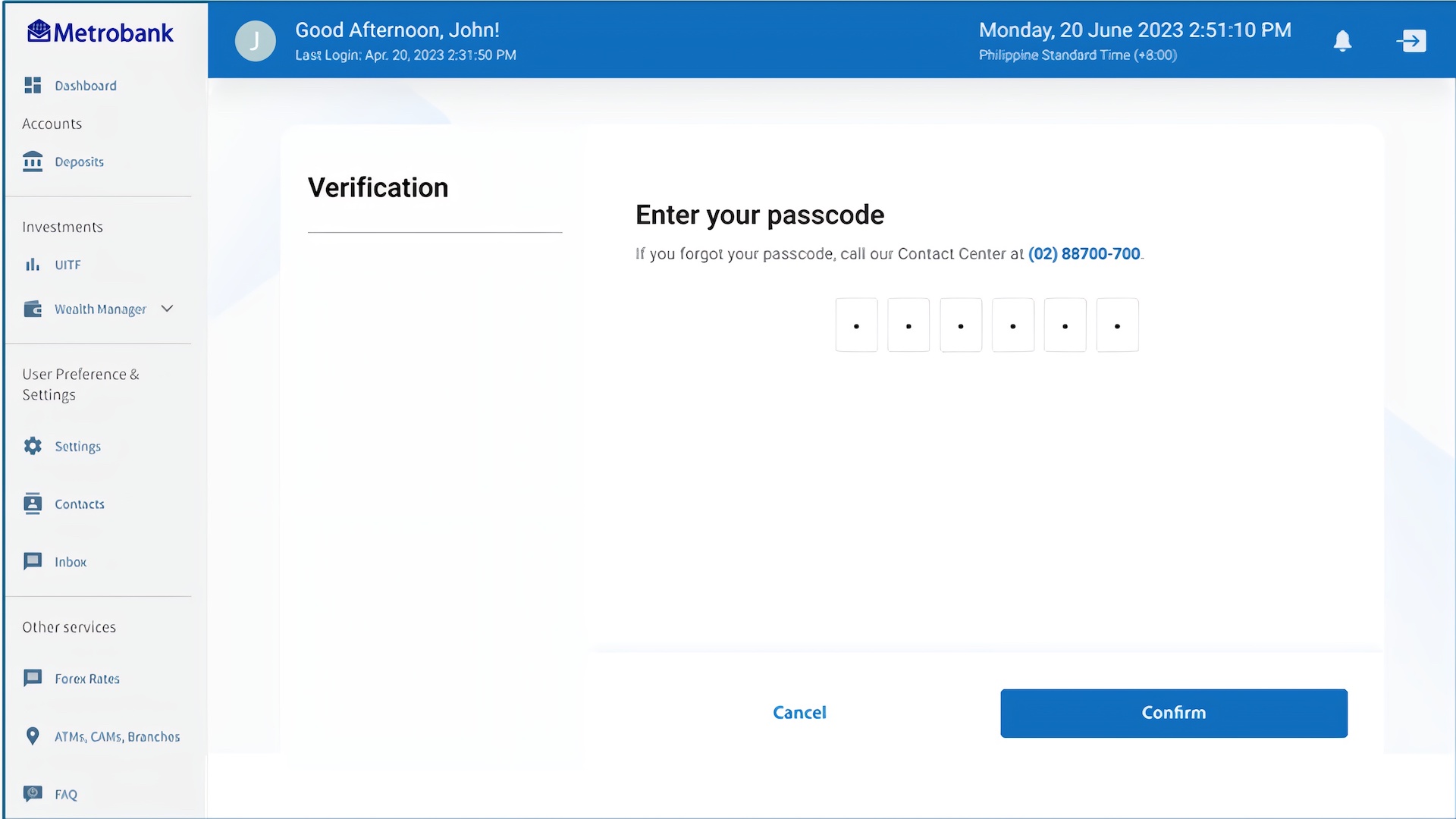
6. Confirm with your 6-digit passcode.